AI Coding Assistants: Getting Real Value from Pair Programming with LLMs
AI assistants speed up the right tasks and slow down the wrong ones. How senior engineers actually use them well.

AI coding assistants are excellent at boilerplate, tests, and unfamiliar APIs, and risky on subtle business logic. The skill is knowing which is which.
Where they shine
Scaffolding, test generation, one-off scripts, and translating between languages or frameworks are areas where an assistant saves real time. The work is verifiable and the cost of a wrong guess is low.
Where to slow down
Security-sensitive code, concurrency, and core domain logic deserve human authorship and review. Treat generated code as a draft from a fast but junior colleague — always read it before you ship it.
- Great: tests, boilerplate, glue, docs
- Careful: auth, money, concurrency
- Always: review before commit
Make it a workflow, not a toy
The teams getting the most value give assistants context — the codebase, conventions, and tests — and keep a human in the loop on review. The model amplifies your process; it does not replace your judgement.
Why this matters in real projects
It is easy to treat ai coding assistants as a checkbox, but in production the details decide whether a system stays maintainable. Teams that invest early in getting ai coding assistants right spend far less time later untangling incidental complexity, because the foundations hold up as the codebase and the team grow.
In the context of ai & automation, the cost of a poor decision compounds quietly. A shortcut that saves an afternoon can cost weeks once it is woven through dozens of files and several people's mental models. The patterns described above are popular precisely because they keep that compounding cost in check and keep change cheap.
There is also a human dimension that is easy to overlook. Code is read far more often than it is written, and the clarity of your approach to ai coding assistants directly shapes how quickly a new teammate becomes productive. When the structure mirrors how people already think about the problem, onboarding shrinks from weeks to days and reviews become conversations about intent rather than archaeology.
Going deeper
Once the basics are in place, the next gains come from understanding the trade-offs rather than memorising rules. AI Coding Assistants is not free: every abstraction you introduce buys flexibility in one direction while adding a layer to reason about in another. The teams that do this well make those trade-offs consciously, write them down, and revisit them when the constraints change. That habit of deliberate decision-making is what separates a codebase that ages gracefully from one that calcifies.
It helps to keep a short feedback loop between a change and its effect. Whether that loop is a fast test suite, a metric on a dashboard, or a teammate's review, the goal is the same: shorten the distance between a decision and the evidence about whether it was a good one. When that distance is small, you can move quickly with confidence; when it is large, even careful teams drift.
How this fits a modern stack
AI & Automation rarely lives in isolation. In a typical Nextware project it sits alongside a typed full-stack codebase, a CI pipeline that runs on every pull request, and a deployment process that favours small, frequent releases over big-bang launches. The ideas in this article are written with that reality in mind, so they slot into an existing workflow rather than demanding a rewrite.
The combination of ai coding assistants and developer productivity, applied with restraint, tends to produce systems that are both pleasant to work in and cheap to change. That is the bar worth aiming for: not the cleverest possible solution, but the one your team can extend safely a year from now without rediscovering why every decision was made.
Common pitfalls to avoid
Most of the trouble we see is not exotic. It comes from a small set of recurring mistakes that are obvious in hindsight and invisible under deadline pressure.
- Optimising before measuring — changing ai coding assistants based on a hunch instead of a profile or a metric.
- Hidden coupling — letting developer productivity leak across boundaries until nothing can change in isolation.
- Skipping tests for the parts that matter most, then paying for it during the next refactor.
- Copying a pattern from a much larger company without their constraints, and inheriting the overhead without the benefit.
A practical checklist
- Write down the problem you are actually solving before reaching for ai coding assistants.
- Start with the simplest approach that could work, and add structure only when a real pain appears.
- Make the change observable — logs, metrics, or tests — so you can tell whether it helped.
- Document the decision briefly so the next person understands the trade-off.
Key takeaways
- AI & Automation rewards simplicity; complexity should be earned, not assumed.
- AI Coding Assistants and Developer Productivity pay off most when applied deliberately at the right boundary.
- Measure, then optimise — never the other way around.
- Optimise for the team that maintains this in six months, including future you.
Wrapping up
None of this requires heroics. The teams that ship reliable software are usually the ones that keep their tools boring, their boundaries clear, and their feedback loops fast. Apply the ideas here incrementally, keep what works for your context, and discard what does not.
If you are building something in this space at Nextware Systems or elsewhere, the best next step is to pick one concrete improvement from the checklist above and ship it this week. Small, measured changes compound into systems that are a pleasure to work in — and that is the whole point.
Related resources
Related posts
Announcing Our Next Open-Source Initiative: Building AI Applications with the Claude API Using Ruby & Ruby on Rails
Introducing: Building AI Applications with the Claude API Using Ruby & Ruby on Rails
Read more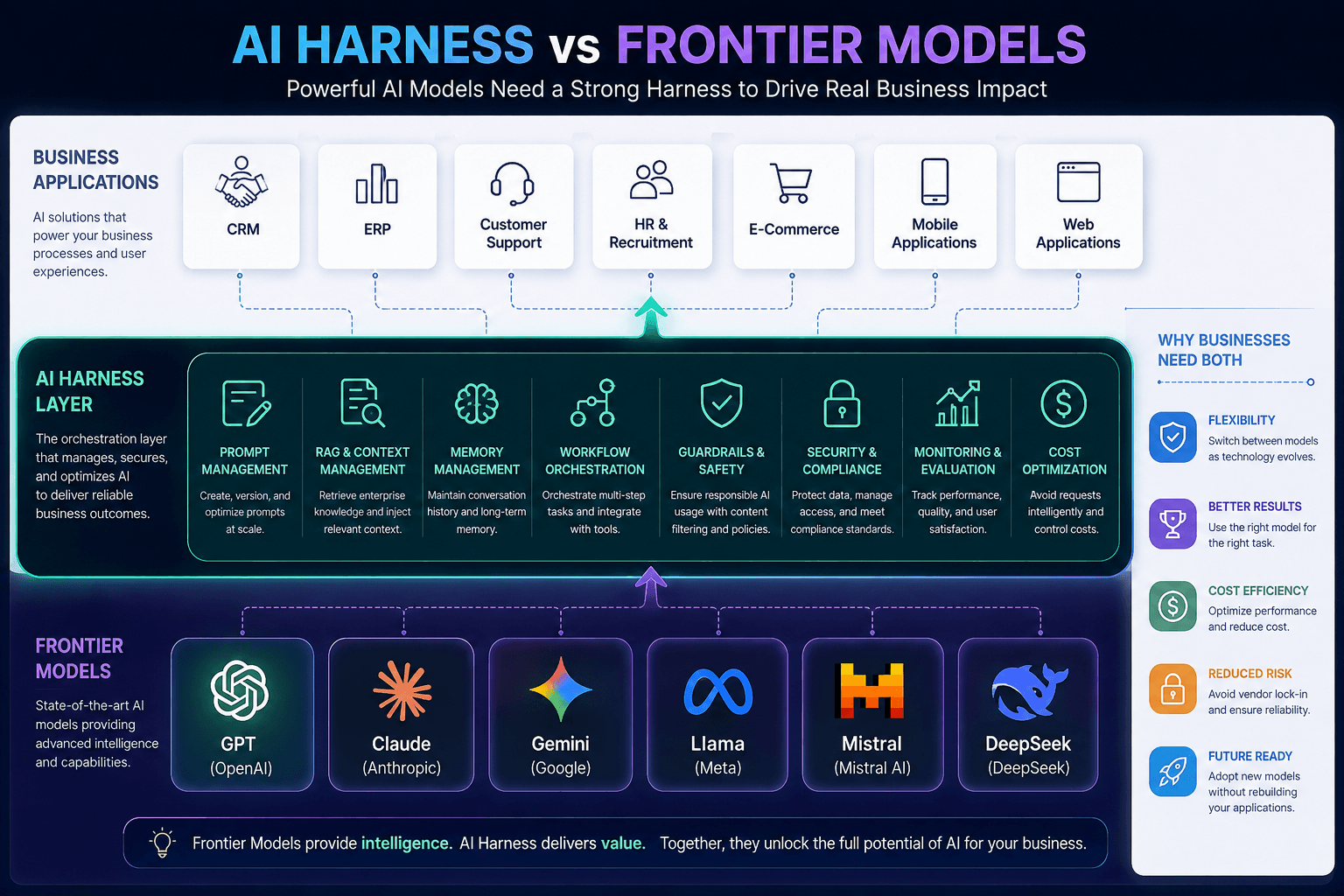
AI Harness vs Frontier Models: Why Enterprises Need More Than Just Powerful AI
Artificial Intelligence is evolving at an incredible pace. Every few months, a new "most powerful" AI model is announced, capable of writing code, generating content, solving complex problems, or even acting as an autonomous agent. While these frontier models receive most of the attention, successful AI implementations inside businesses rely on something equally important—an AI Harness. Understanding the distinction can help organizations avoid expensive AI mistakes and build scalable, secure, and future-ready AI solutions.
Read more
Choosing a Vector Database for AI Search
pgvector, Pinecone, Qdrant, Weaviate — how to pick a vector store based on scale, filtering needs, and operational appetite.
Read moreTrending posts
Announcing Our Next Open-Source Initiative: Building AI Applications with the Claude API Using Ruby & Ruby on Rails
Introducing: Building AI Applications with the Claude API Using Ruby & Ruby on Rails
Read moreAI Harness vs Frontier Models: Why Enterprises Need More Than Just Powerful AI
Artificial Intelligence is evolving at an incredible pace. Every few months, a new "most powerful" AI model is announced, capable of writing code, generating content, solving complex problems, or even acting as an autonomous agent. While these frontier models receive most of the attention, successful AI implementations inside businesses rely on something equally important—an AI Harness. Understanding the distinction can help organizations avoid expensive AI mistakes and build scalable, secure, and future-ready AI solutions.
Read more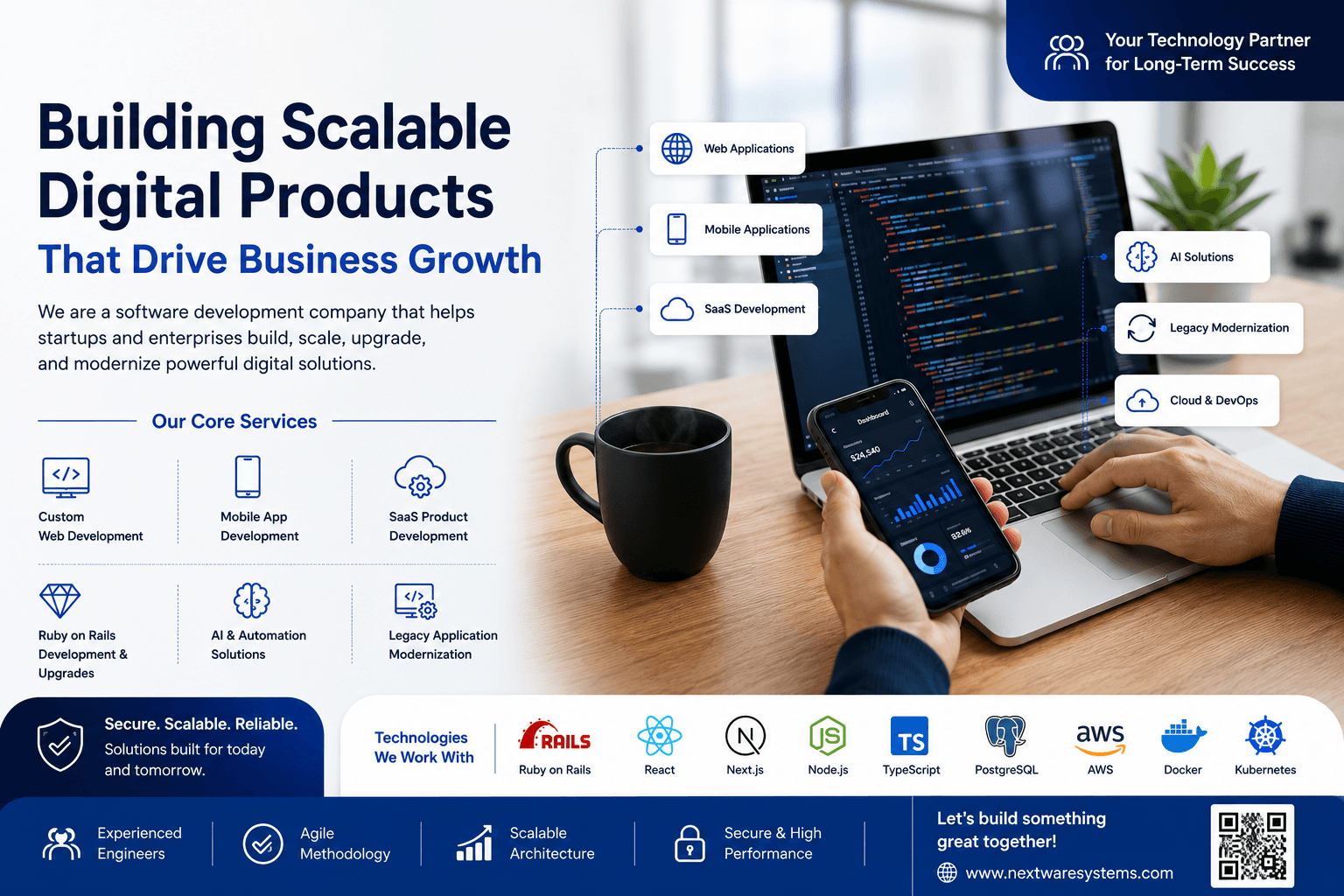
Building Digital Products That Scale: Why Businesses Choose Nextware Systems as Their Technology Partner
Building Digital Products That Scale: Why Businesses Choose Nextware Systems as Their Technology Partner
Read more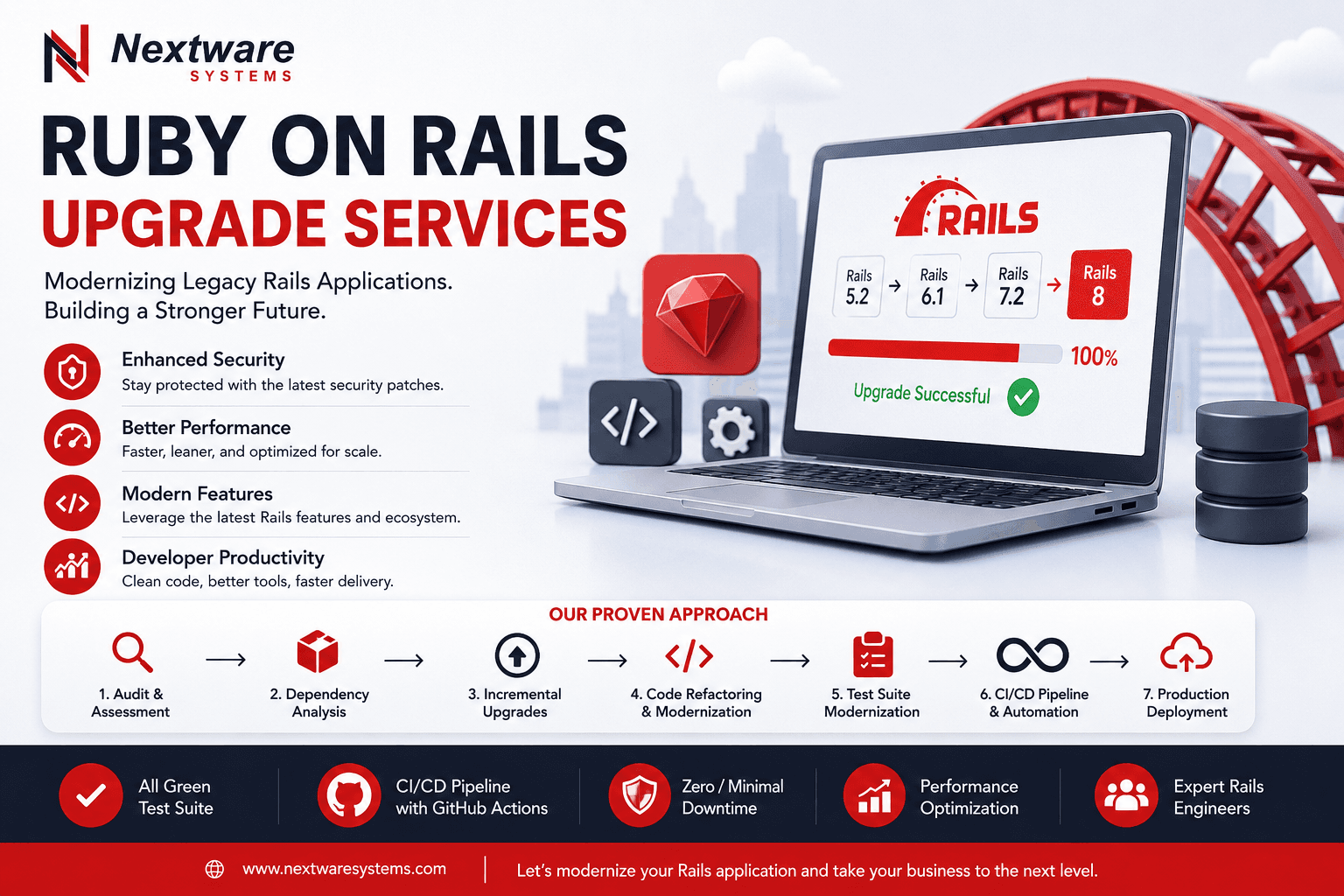
Ruby on Rails Upgrade Services: How Nextware Systems Modernizes Legacy Rails Applications Without Breaking Production
Is Your Ruby on Rails Application Falling Behind?
Read morePopular posts

Background Jobs in Rails 8 with Solid Queue
Solid Queue brings durable, database-backed jobs to Rails by default. Setup, recurring tasks, and when you still want Sidekiq.
Read more
Server Components in Next.js 15: A Practical Mental Model
RSC changes where code runs. A working mental model for fetching, the client boundary, and shipping less JavaScript.
Read more
Deploying with Docker and Kamal on a Plain VPS
Containerize once and deploy anywhere you can SSH. Kamal brings zero-downtime deploys and TLS to a cheap server.
Read more
Rails 8 Is Here: The No-PaaS Default Stack Explained
Rails 8 ships with Kamal 2, Solid Queue, Solid Cache and Propshaft, making a database-only, deploy-anywhere stack the default. Here is what changes.
Read more
0 Comments
Sign in to join the conversation.
Sign-in is not configured yet.